Projects/
Software 3D Rasterizer
I have always been curious about graphics programming, mainly due to experiencing the evolution of early home consoles (NES, SNES, Sega Genesis) to 3D accelerated consoles (N64, Dreamcast, PlayStation) during my childhood. But the hurdle has always been a tad too high for me to truly learn graphics programming from scratch without resorting to modding existing games or leveraging a pre-built engine.
Finally, in 2024, I saw a recommendation online for a class from Pikuma that guides students through creating a 3D rasterizer in software from scratch, using just a C compiler and a pixel buffer from SDL.
Throughout 2 or 3 weeks I slowly built a rasterizer from the ground up. Starting with a basic wireframe 3D cube, and ending with full-blown, perspective-corrected, textured 3D models.
Hello World
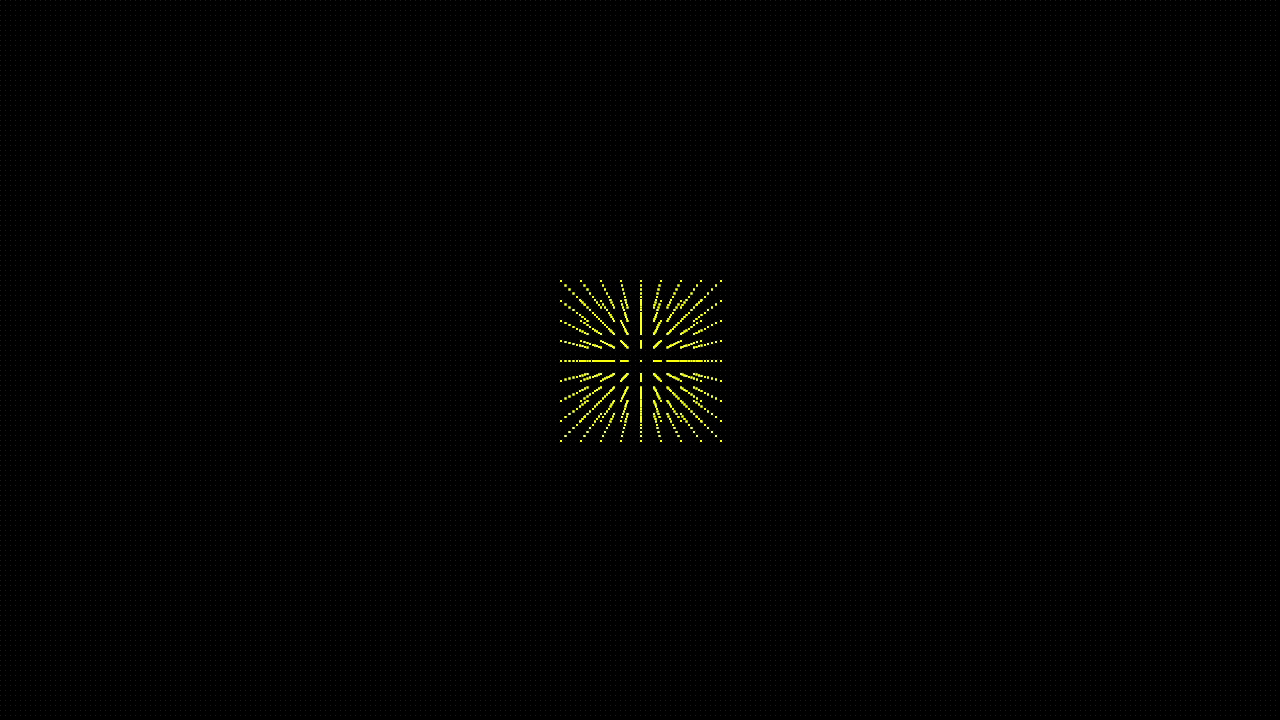
The first functional milestone in my renderer was to render a point cloud resembling a 3D cube:
Final Result
The final result is capable of rendering multiple fully textured OBJ models, and features a camera that can move and tilt around the scene:
The Process
The process of rasterizing a 2D picture of a 3D scene involves a few steps:
- Loading the model data (vertices/triangles) and texture data (bitmaps)
- Placing the models in the scene by calculating the translated, rotated, and scaled position of each vertex
- Adjusting the position of all vertices relative to camera position, rotation, and scale
- Apply perspective correction to every vertex to simulate how three dimensional objects appear in reality, with points far away from the camera converging (appearing smaller)
- Cull all of the faces that are outside the view of the camera (or facing away) so we don’t waste time rendering pixels that are not visible
- Clip the edges of the models that extend outside the camera boundary, to avoid painting pixels off the edge of the screen buffer
- Map textures coordinates to vertex coordinates and apply perspective so far- away pixels appear in the correct places
- Paint textured pixels according to texture mapping, while maintaining a z-buffer so that “far” pixels don’t get painted on top of “close” pixels
My rasterizer performs this all in software without using graphics libraries or GPU-accelerated processing.
The source code is available here along with tons of notes on the math involved.